Run AI on your own machine in 2027.
Ollama, LM Studio, Jan, llama.cpp and MLX side by side: how to run AI models on your own computer, what hardware you need and how to keep it private.
By Rabin Nuchtabek · Updated 2026-11-04 · 5 min read · For Must know, Builders
Part of What is a forward deployed engineer? The ultimate guide to becoming one in 2027
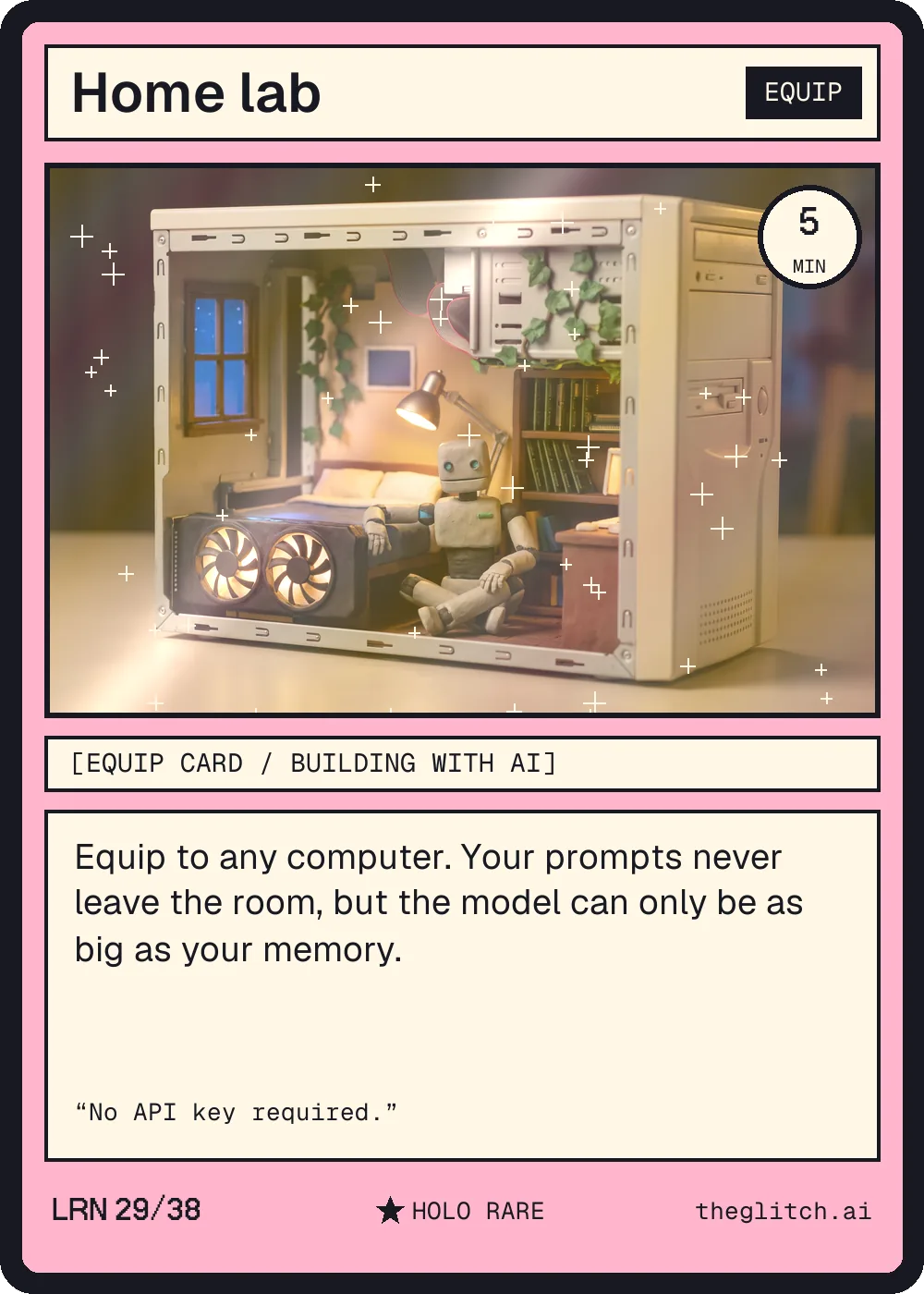
Running a model locally means the AI works on your own laptop or server instead of someone else's cloud. Your prompts stay on your machine, it works offline and nothing bills you per token. The trade-off is size: your memory decides how big a model you can run, and the biggest open models still need serious hardware. Going into 2027 the tools are easy enough to try in an afternoon. This directory covers the apps, the engines underneath, what your machine can run and how to keep it private for real. Descriptions are each project's own words; GitHub numbers are from 4 November 2026.
Start here: apps for your laptop
- Ollama: "Get up and running with Kimi, GLM, MiniMax, DeepSeek, gpt-oss, Qwen, Gemma and other models." One command downloads and runs a model, and it speaks a subset of the OpenAI API, so many tools can point at it. 185,788 stars, MIT.
- LM Studio: a desktop app for running open models on macOS, Windows and Linux. Its docs say it "can operate entirely offline, just make sure to get some model files first." The app itself isn't open source; its command-line tool, lms, is (MIT).
- Jan: "an open source alternative to ChatGPT that runs 100% offline on your computer." 45,378 stars, Apache-2.0.
- GPT4All: "Run Local LLMs on Any Device." 77,345 stars, MIT. Its last push to GitHub was in May 2025, so check it's still maintained before you build on it.
The engines underneath
Most local apps run on one of these. You'll meet them when you want more speed or control.
- llama.cpp: "LLM inference in C/C++", the engine behind much of the local scene and home of the GGUF model format. 133,261 stars, MIT.
- MLX: "An array framework for Apple silicon", with mlx-lm to "Run LLMs with MLX" on a Mac. 29,036 and 7,540 stars, both MIT.
- KoboldCpp: "Run GGUF AI models locally with a KoboldAI UI. One File. Zero Install." 12,142 stars, AGPL-3.0.
A chat window and an API
- Open WebUI: "User-friendly AI Interface (Supports Ollama, OpenAI API, ...)", a ChatGPT-style window for your local models. 157,654 stars. It uses its own Open WebUI License rather than a standard one, so read it before you ship it to others.
- LocalAI: "Run any model - LLMs, vision, voice, image, video - on any hardware. No GPU required." 50,166 stars, MIT.
Serving a team or a product
When many people or an app need the model at once, you need a serving engine on a proper GPU server.
- vLLM: "A high-throughput and memory-efficient inference and serving engine for LLMs." 96,224 stars, Apache-2.0.
- SGLang: "a high-performance serving framework for large language models and multimodal models." 38,412 stars, Apache-2.0.
- exo: "Run frontier AI locally." It connects your own devices into one cluster, so you can run models larger than any one of them could hold. 48,160 stars, Apache-2.0.
What your machine can run
Memory is the limit. Most people run models compressed to 4 bits per weight, which is called quantization. At that size a model needs a little over half a gigabyte of memory for every billion parameters, plus room for the conversation.
- An 8-billion-parameter model needs about 5 GB: a laptop with 16 GB of memory runs it comfortably.
- A 32-billion-parameter model needs about 20 GB: a Mac with 32 GB of memory or a graphics card with 24 GB.
- A 70-billion-parameter model needs about 40 GB: a Mac with 64 GB or more, or two 24 GB graphics cards.
On a Mac with Apple silicon, the memory is shared, so most of it can hold the model. On a PC, the graphics card's own memory sets the fast limit; a model that spills into normal memory still runs, just slower. Some models are a mixture of experts: they use only part of the model for each token, so they run faster than their size suggests, but you still need the memory to hold all of it.
Which models to try
Ollama's own description names Kimi, GLM, MiniMax, DeepSeek, gpt-oss, Qwen and Gemma. The biggest versions of these need far more memory than a laptop has, so pick a size that fits the list above; Ollama's model library shows the download size of each one. Small language models are the ones built to fit. Each model also comes with its own licence, and open weights don't always mean open source, so read the licence before you use one at work.
How to choose
- Just want a private chat? Start with LM Studio or Jan. Download a small model, then turn off your wifi and see that it still answers.
- Building something? Use Ollama or LocalAI and point your code at their OpenAI-style API.
- On a Mac? Try the MLX tools; they're built for Apple silicon.
- Serving a team? That's a server job: vLLM or SGLang on a GPU machine.
- Coding with it? Several open-source coding agents can run on a local model. AI coding agents for 2027, compared lists the ones that let you pick your model.
Keep it private for real
- Don't put it on the internet. Ollama listens only on your own machine (127.0.0.1, port 11434) by default and has no login. People change that so other devices can reach it, and in February 2026 LeakIX found 12,269 Ollama servers open to the public internet with no authentication. Keep it local, or put it behind a VPN and a login.
- Keep it updated. CVE-2026-7482, published in May 2026, let anyone who could reach an Ollama server older than 0.17.1 leak its memory, which may include API keys and other users' conversations.
- Check where a model comes from. A model file is something your computer loads and runs. Download from publishers you trust, and avoid older pickle files: Hugging Face warns that loading one can run someone else's code.
- Local doesn't stop tricks. A local model that reads web pages, files or email can still fall for prompt injection. Keep approval on for actions; Prompt injection, explained for normal people shows real cases.
- Cloud models aren't local. Ollama also offers cloud models, which run on its servers, not yours. Its FAQ says it doesn't store or log that content, but don't send anything you'd keep off the internet.
New to the idea? Read what a local LLM is in plain words, then Open-source AI agents worth trying in 2027 for agents you can run on top.
What's happening now
- An exposed Ollama server became an attacker’s brain. Sysdig watched an attacker point a hacking tool at a misconfigured Ollama server and use its model to scan targets, match them to known flaws and write exploit code. Its advice: treat an exposed model server like an exposed database. Sysdig Threat Research
- Ollama memory leak fixed in 0.17.1. CVE-2026-7482: a crafted model file sent to an unpatched Ollama server could leak its memory to anyone, no login needed. That memory may include API keys, system prompts and other users’ conversations. CVE record
- 12,269 Ollama servers open to anyone. LeakIX found 12,269 Ollama instances on the public internet with zero authentication, mostly because people set them to listen on every network interface so other machines could reach them. LeakIX
Fresh from This week in AI
local llm went from "fun toy" to "production stack" in the last 30 days. almost nobody noticed.
| Best for | Licence | Stars, Nov 2026 | |
|---|---|---|---|
| Ollama | Running models with one command and an API | MIT | 185,788 |
| Open WebUI | A ChatGPT-style window for local models | Open WebUI License | 157,654 |
| llama.cpp | The engine many local tools build on | MIT | 133,261 |
| vLLM | Serving many users from a GPU server | Apache-2.0 | 96,224 |
| Jan | A private chat app that works offline | Apache-2.0 | 45,378 |
| MLX | Running models on Apple silicon Macs | MIT | 29,036 |
Questions people ask
What does running an AI model locally actually mean?
Running a model locally means the AI works on your own laptop or server instead of someone else's cloud. Your prompts stay on your machine, it works offline and nothing bills you per token. The trade-off is size: your memory decides how big a model you can run, and the biggest open models still need serious hardware.
How much memory do I need to run a local LLM?
At 4-bit quantization, plan a little over half a gigabyte per billion parameters, plus room for the conversation. An 8-billion-parameter model needs about 5 GB, so a 16 GB laptop runs it comfortably. A 32-billion model needs about 20 GB, and a 70-billion model needs about 40 GB, such as a Mac with 64 GB or two 24 GB graphics cards.
Ollama vs LM Studio vs Jan: which should I use?
For a private chat, start with LM Studio or Jan, download a small model, then turn off your wifi to confirm it still answers. If you are building something, use Ollama or LocalAI and point your code at their OpenAI-style API. Note that the LM Studio app itself isn't open source, while Jan is Apache-2.0.
Is it risky to expose my Ollama server to the internet?
Yes. Ollama listens only on your own machine by default and has no login. In February 2026 LeakIX found 12,269 Ollama servers open to the public internet with no authentication. Keep it local, or put it behind a VPN and a login, and keep it updated, since versions older than 0.17.1 could leak memory including API keys.
How should I prepare for running AI locally in 2027?
Check your memory first and pick a model size that fits, using Ollama's library to see download sizes. Try LM Studio or Jan in an afternoon, or the MLX tools on a Mac. Read each model's licence before work use, download only from trusted publishers, avoid older pickle files, keep approval on for actions and never open the model server to the internet.
Key terms
Local LLM · Quantization · Parameters · Open-weights model · Small language model · Prompt injection
Try it here
Repos worth building on · Skills and workflows