AI coding agents for 2027, compared.
Claude Code, Codex and Gemini CLI against open-source agents like OpenCode and Cline: where each runs, its licence and how to pick one for 2027.
By Rabin Nuchtabek · Updated 2026-11-04 · 3 min read · For Must know, Builders
Part of What is a forward deployed engineer? The ultimate guide to becoming one in 2027
A coding agent reads your repository, runs commands, edits files and checks its own work. Going into 2027 the big ones are close enough that the right choice depends less on the model and more on where you work, which models you're allowed to use and how much control you want. This guide compares the main options. Star counts and licences are as GitHub listed them on 4 November 2026.
The big three in your terminal
- Claude Code from Anthropic: "an agentic coding tool that lives in your terminal, understands your codebase, and helps you code faster". It also runs in editors, a desktop app and the browser. 154,396 stars. The repository is public, but GitHub lists no licence, so it isn't open source.
- Codex from OpenAI: a "lightweight coding agent that runs in your terminal". 132,990 stars, Apache-2.0, written in Rust.
- Gemini CLI from Google: "an open-source AI agent that brings the power of Gemini directly into your terminal". 108,700 stars, Apache-2.0.
Each is built around its own company's models. That matters if your team has an approved vendor, or if you want to switch models without switching tools.
Open-source alternatives
- OpenCode: "the open source coding agent". 224,274 stars, MIT, TypeScript.
- Cline: an autonomous coding agent as an SDK, an editor extension or a command-line assistant. 71,256 stars, Apache-2.0.
- OpenHands: AI-driven development, an open-source agent for software tasks. 92,576 stars, MIT.
- Goose: an extensible agent that installs, executes, edits and tests "with any LLM". 56,174 stars, Apache-2.0.
- Aider: AI pair programming in your terminal. 49,923 stars, Apache-2.0. Its last push to GitHub was in May 2026.
Open source means you can read what the agent does, run it on your own setup and keep using it if a vendor changes course. Check each one's documentation for which models it supports.
Editors with agents built in
If you'd rather stay in an editor, closed-source tools such as Cursor, an AI code editor, and GitHub Copilot, an assistant inside popular editors, offer agent features where you already type. Their plans and limits change often, so read the current pricing page before you commit a team.
How to choose
- Where do you work? Terminal people get the most from Claude Code, Codex, Gemini CLI or OpenCode. Editor people should start with Cline or an editor that has an agent built in.
- Which models may you use? If your company has approved one vendor, its own agent is the simplest path. If you want to mix models, pick an open-source agent that supports them.
- What will it cost? Usage limits move: This week in AI, week 44 covered reports that ChatGPT and Codex limits would merge from December 2026. Budget for heavy days, not average ones.
- How will you keep it safe? Coding agents read issues, pull requests and web pages, and any of those can carry prompt injection. Keep approval on for commands that push, deploy or delete. Prompt injection, explained for normal people lists real cases from 2026.
The habits that carry over
The tool matters less than the way you use it. Plan before any code is written, keep a short instruction file, ask for small changes, give the agent tests and real commands to check its work, and read every diff before you accept it. Claude Code, the operator's way walks through these habits, and they work the same in every agent on this page.
Fresh from This week in AI
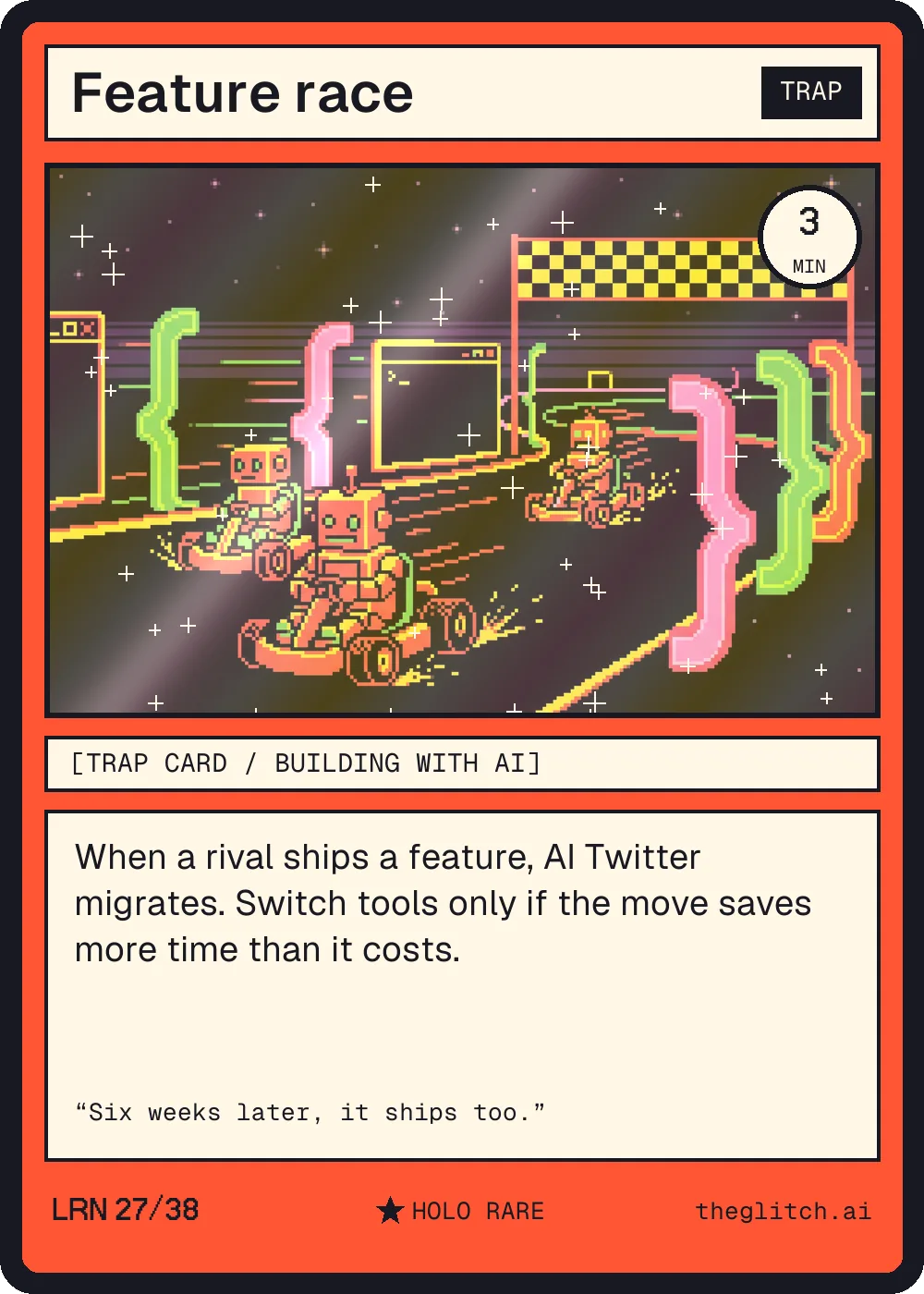
codex ships a feature claude code doesn't have.
ai twitter migrates.
claude code ships it 6 weeks later. ai twitter migrates back.
imagine running this loop between mac and windows for 5% gains
| Runs in | Licence | Stars, Nov 2026 | |
|---|---|---|---|
| Claude Code | Terminal, editors, desktop app, browser | None listed | 154,396 |
| Codex | Your terminal | Apache-2.0 | 132,990 |
| Gemini CLI | Your terminal | Apache-2.0 | 108,700 |
| Cline | An editor, a CLI or an SDK | Apache-2.0 | 71,256 |
| Aider | Your terminal | Apache-2.0 | 49,923 |
Questions people ask
What is an AI coding agent?
An AI coding agent is a tool that reads your repository, runs commands, edits files and checks its own work. The main options include terminal agents like Claude Code, Codex and Gemini CLI, open-source agents like OpenCode and Cline, and editors with agents built in such as Cursor and GitHub Copilot.
How do I choose a coding agent for my team?
Start with where you work and which models you may use. Terminal users get the most from Claude Code, Codex, Gemini CLI or OpenCode, while editor users should start with Cline or an editor with an agent built in. If your company approved one vendor, its own agent is simplest. Then budget for heavy days and plan how to keep it safe.
Is an open-source coding agent better than Claude Code?
It depends on how much control you want. Open-source agents like OpenCode, Cline or Goose let you read what the agent does, run it on your own setup, keep using it if a vendor changes course and often mix models. Claude Code is built around Anthropic's models, and GitHub lists no licence for it, so it isn't open source.
What are the security risks of using AI coding agents?
One risk the guide highlights is prompt injection. Coding agents read issues, pull requests and web pages, and any of those can carry injected instructions. Keep approval switched on for commands that push, deploy or delete, so the agent can't take those actions without you checking first.
How should I prepare for AI coding agents in 2027?
Build habits that work in every agent rather than betting on one tool. Plan before any code is written, keep a short instruction file, ask for small changes, give the agent tests and real commands to check its work, and read every diff before you accept it. Also check your approved model vendor and budget for heavy usage days.
Key terms
Agent · Vibe coding · Context engineering · Agent harness · Prompt injection
Try it here
Skills and workflows · Repos worth building on