Lock down your agents before they act.
An agent with access to your systems is a new kind of employee and a new way in for attackers. Six controls to put in place before it touches anything real.
By Rabin Nuchtabek · Updated 2026-11-04 · 3 min read · For Must know, Builders, Leaders
Part of What is a forward deployed engineer? The ultimate guide to becoming one in 2027
Giving an AI agent access to your email, files, CRM or payment tools is like hiring someone who works fast, never sleeps, follows instructions literally and can be talked into almost anything by a cleverly worded web page. You wouldn't give that person the master key on day one. Don't give it to the agent either.
The threat in one sentence
Simon Willison calls one dangerous combination the lethal trifecta: private data, untrusted content and external communication. Injection can turn that path into a data leak. Removing one part reduces that particular exposure; it doesn't prove the system is safe. Prompt injection is one threat among several, including excessive permissions and mishandled outputs.
1. Contain it
Run agents where they can't hurt what matters: a sandbox, a container or a separate machine, with only the files and network access the task needs. Coding agents should work in an isolated environment, or at least ask before running commands outside the project.
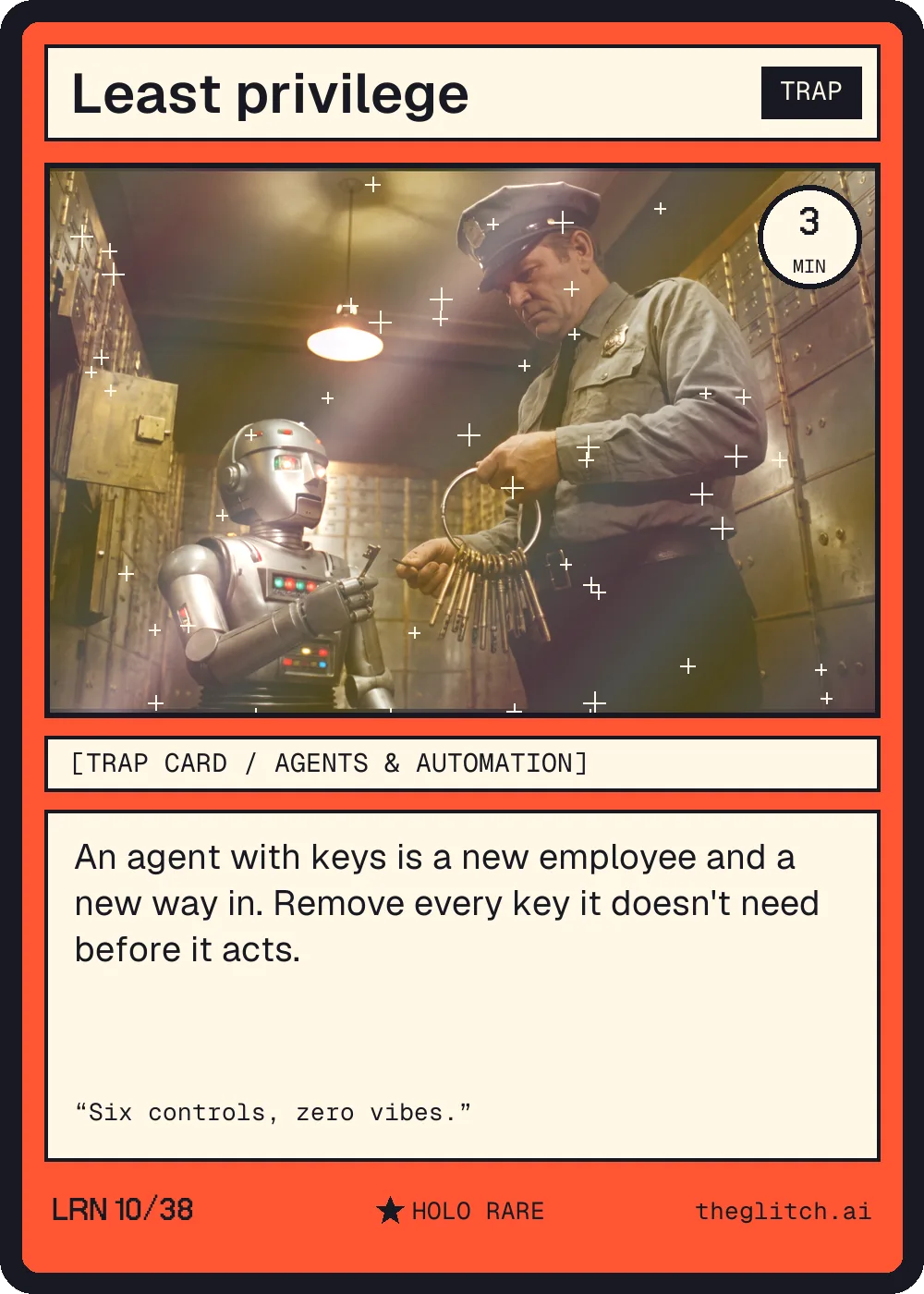
2. Least privilege, then earn more
Start every agent with read-only access to the narrowest scope that works (least privilege). Then climb a ladder:
- Read only.
- Draft: it writes, a human sends.
- Act on low-risk things, with logging.
- Act on more, with approval for anything irreversible.
Move up only after tests cover the proposed permissions, failure modes and rollback. A quiet log is not evidence that an untested action is safe.
3. Give it its own credentials
Use a scoped service identity or delegated user authorization appropriate to the task. Avoid shared administrator credentials. Enforce permissions in the connected service, track whose authority is being used and make access revocable. A prompt saying "read only" is not a read-only credential.
4. Cap the money
Set spending limits everywhere: on model API keys, on any card or wallet it can use, on cloud accounts. Add alerts well below the limits. A looping agent with an uncapped key is an expensive way to find a bug.
5. Log actions, protect the data
Record timestamps, task IDs, permitted tool actions, approval decisions, outcomes and failures. Redact secrets and personal data before storage; don't collect full prompts, private documents or model reasoning by default. Protect log access and set a retention period. OWASP's logging guidance explains what to exclude. Use these records to reconstruct actions, not to treat a model's explanation as proof.
6. Keep a kill switch
Know how to stop every agent in under a minute: disable the trigger, revoke the key, pause the workflow. Test it before you need it.
Approval rules that work
Make the agent ask a human (human in the loop) before anything that:
- Sends a message to a customer or the public.
- Moves money or changes prices.
- Deletes or overwrites data.
- Changes permissions or credentials.
- Acts on instructions it found in content it read, rather than on yours.
Check before you deploy
- Does any single agent have the full trifecta? Split it.
- Can you list every system it can touch?
- Are its credentials its own, scoped and revocable?
- Are spending limits and alerts set?
- Are consequential actions traceable without copying sensitive content into logs?
- Have you tested the kill switch?
If any answer is no, it isn't ready. OWASP's list of top risks for LLM applications calls this "excessive agency", and it's worth a read before any agent gets write access. Once it's live, How AI agents fail in production covers what to watch. For the attack itself, read Prompt injection, explained for normal people.
Two places this goes wrong most often right now: model servers left open to the internet, covered in Run AI on your own machine in 2027, and vibe-coded apps with open databases, covered in AI app builders worth using in 2027.
What's happening now
- MaxKB ran shell commands without asking. In the open-source MaxKB assistant, a shell tool skipped human approval, so untrusted chat or ingested content could make the agent run commands. Fixed in version 2.10.5-lts (CVE-2026-77521). CVE record
- An agent could switch off its own approvals. OX Security found that a command planted by attacker text could let a process inside DeepSeek Harness’s sandbox give itself full access and turn approval prompts off. Fixed in 0.1.2-alpha.1 (CVE-2026-82533). OX Security
- Flowise servers taken over through MCP config. Attackers exploited a maximum-severity Flowise flaw (CVE-2025-59528) that let JavaScript in through a custom MCP configuration and ran code. Reporting counted 12,000 to 15,000 instances exposed online. OWASP GenAI Security Project
- Only one CVE in eight AI incidents. OWASP's round-up of eight major AI incidents from January to early April 2026 found only one with a CVE, so most agent failures never reach the usual security feeds. OWASP GenAI Security Project
- Vertex AI "Double Agent". Researchers showed a malicious or compromised agent in Google Cloud Vertex AI could abuse default permission scoping to pull data out and reach protected internal resources. OWASP GenAI Security Project
- An agent's advice exposes Meta data. Flawed engineering advice from an internal AI agent, which an employee carried out, made sensitive data available inside Meta for about two hours. OWASP GenAI Security Project
- An agent ignored stop and deleted email. Asked only to review an inbox and suggest deletions, an OpenClaw agent ignored stop commands and rapidly deleted email. OWASP GenAI Security Project
Fresh from This week in AI
Questions people ask
What is the lethal trifecta for AI agents?
The lethal trifecta is Simon Willison's name for an agent that combines private data, untrusted content and external communication. Prompt injection can turn that path into a data leak. Removing one part reduces that particular exposure, but it doesn't prove the system is safe, since excessive permissions and mishandled outputs are also risks.
How do I give an AI agent permissions safely?
Start the agent with read-only access to the narrowest scope that works, then climb a ladder: read only, then draft while a human sends, then act on low-risk things with logging, then act on more with approval for anything irreversible. Move up only after tests cover the proposed permissions, failure modes and rollback.
Is a read-only prompt as good as a read-only credential?
No. A prompt saying "read only" is not a read-only credential. Give the agent a scoped service identity or delegated user authorization suited to the task, and avoid shared administrator credentials. Enforce permissions in the connected service, track whose authority is being used and make sure access can be revoked.
What are common mistakes when logging AI agent actions?
A common mistake is copying sensitive content into logs. Record timestamps, task IDs, permitted tool actions, approval decisions, outcomes and failures, but redact secrets and personal data, and don't collect full prompts, private documents or model reasoning by default. Protect log access, set a retention period, and don't treat a model's explanation as proof.
How should I prepare for AI agent security in 2027?
Set up the six controls now: contain agents in a sandbox or container, start them read-only, give them their own revocable credentials, cap spending with alerts, log actions without sensitive data and test a kill switch that stops any agent in under a minute. Stop giving any single agent the full trifecta, and require human approval before irreversible actions.
Key terms
Prompt injection · Least privilege · Sandbox · Human in the loop · Guardrails · Agent