AI note takers worth using in 2027.
Granola, Otter, Fireflies, Fathom and the note takers built into Zoom, Teams and Meet compared, plus the consent rules to set before anyone records.
By Rabin Nuchtabek · Updated 2026-11-04 · 3 min read · For Beginner, Must know, Leaders
Part of What is a forward deployed engineer? The ultimate guide to becoming one in 2027
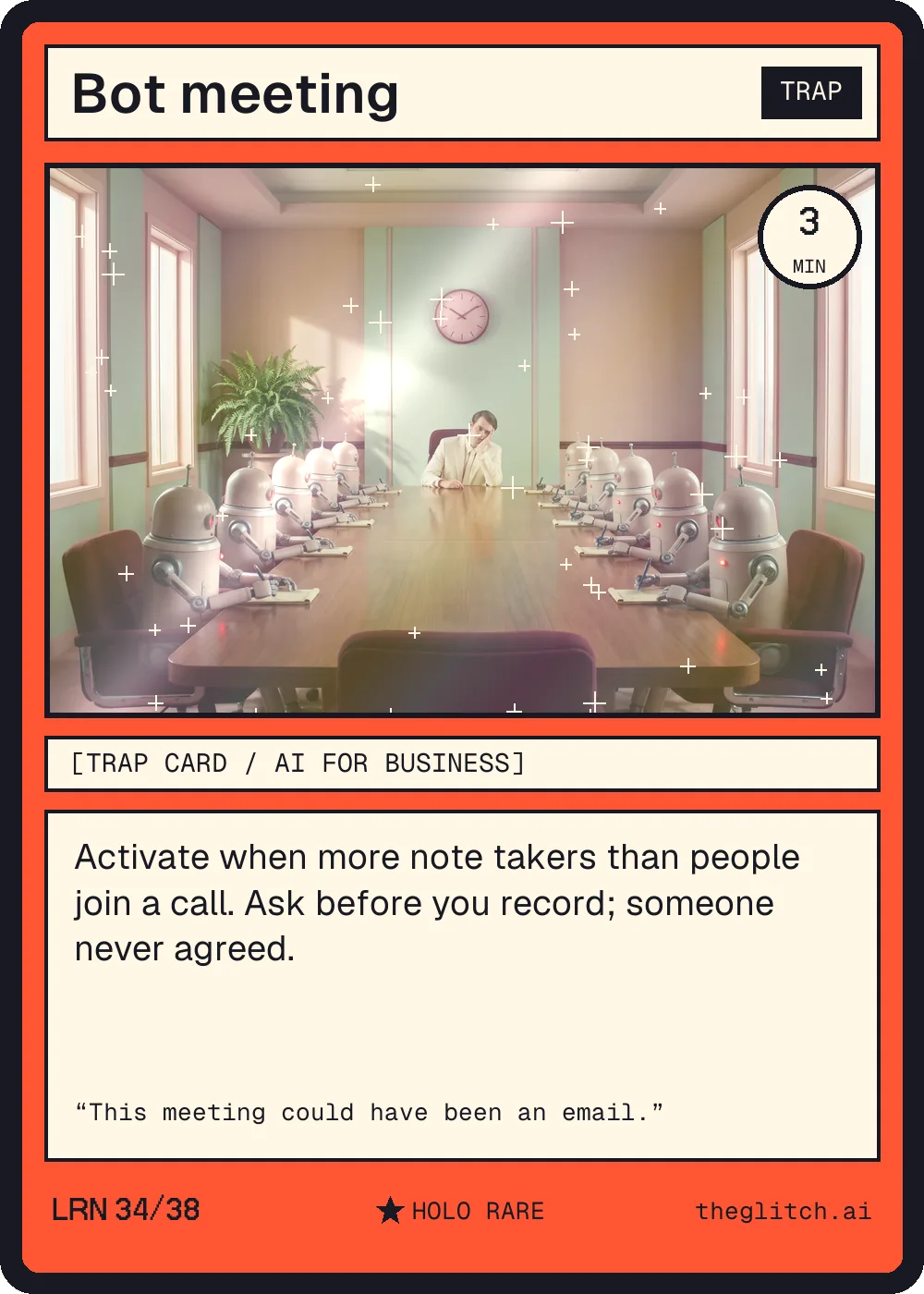
An AI note taker records a meeting, turns the talk into a transcript and writes the summary and action items for you. Going into 2027 they split into two kinds: bots that join the call as a participant, and apps that listen through your own computer without joining. Either way, everyone in the room is being recorded, so consent matters as much as accuracy. This directory covers the main tools in their own words, checked on 4 November 2026, and the rules to set before your team turns one on.
Note takers that work in any meeting
- Granola: "The AI notepad for back-to-back meetings". It "uses your computer audio, so doesn't invite a bot", and works with Zoom, Google Meet, Teams and other meeting apps, on macOS, Windows, iOS and Android.
- Otter: "Meeting AI that turns talk into action". Its meeting agent can join your Zoom, Microsoft Teams and Google Meet calls automatically, and it can also record from your desktop "without bots joining the call".
- Fireflies: "Transcribe, summarize, search, and analyze all your team conversations." Its notetaker joins your meetings and can fill in your CRM, and Fireflies says it "does not use customer data to train any AI models".
- Fathom: an AI notetaker that "summarizes your meetings so you can focus on the conversation", with a free-forever plan, for Google Meet, Zoom and Microsoft Teams.
Note takers built into your meeting app
If your company already pays for one meeting platform, check its own assistant first: Zoom has AI Companion, Microsoft Teams has Copilot, and Google Meet has "Take notes for me" with Gemini. They need no extra vendor, and your admin already controls them. Google added an admin setting in April 2026 that can require participants' explicit consent before Gemini notes, recordings or transcripts start.
How to choose
- Don't want a bot in the participant list? Granola listens through your own computer, and Otter can record from the desktop too.
- Sales or customer calls? Fireflies fills in your CRM from the call.
- Trying it out for free? Fathom has a free-forever plan.
- Whole company on one platform? Start with the assistant built into Zoom, Teams or Meet, so the data stays where your admin can govern it.
- Sensitive conversations? Check where audio and transcripts are stored, for how long, and whether they train any model. Some vendors state it on their site; ask the rest in writing.
Consent rules to set first
- Tell people, every time. Announce the note taker at the start, and give anyone the chance to say no. Some places require everyone's consent before a call is recorded, so the safe default is to ask.
- Watch the auto-join. Bots that join every meeting on your calendar also join the ones you'd never record on purpose: interviews, HR talks, calls with lawyers or doctors.
- The lawsuit to know. In August 2025 a class action, Brewer v. Otter.ai, claimed that Otter's notetaker recorded a call for a participant who never agreed. The cases were later consolidated in federal court in California. Whatever the outcome, it's the risk every bot-based tool carries.
- Treat transcripts as personal data. They hold names, opinions and sometimes health or money details. Treat them as PII: limit who can see them and delete what you no longer need.
- Check the summary before you send it. Speech-to-text mishears names and numbers. Read the action items before they go to a client.
For other agents that work on your behalf, see AI voice agents worth knowing in 2027.
What's happening now
- Google Meet can require consent before AI notes. Google added an admin setting that can require participants’ explicit consent before Take notes with Gemini, recordings or transcripts start in Google Meet. It is off by default. Google Workspace Updates
- A class action over Otter’s notetaker. Brewer v. Otter.ai claimed that Otter’s notetaker recorded a sales call for a participant who never knew it was there. The cases were later consolidated in federal court in California. NPR via WUNC
Fresh from This week in AI
| How it listens | Good for | |
|---|---|---|
| Granola | Your computer audio, no bot | Back-to-back meetings without a bot |
| Otter | A meeting agent or your desktop | Live transcripts across Zoom, Teams and Meet |
| Fireflies | A bot that joins the call | Sales calls that fill in your CRM |
| Fathom | A bot that joins the call | Trying it free |
| Built-in assistants | Inside Zoom, Teams or Meet | Companies on one platform |
Questions people ask
What is an AI note taker and how does it work?
An AI note taker records a meeting, turns the talk into a transcript and writes the summary and action items for you. They come in two kinds: bots that join the call as a participant, and apps like Granola that listen through your own computer without joining the meeting.
How do I use an AI note taker without a bot joining?
Use an app that listens through your own computer audio instead of joining the call. Granola uses your computer audio, so it doesn't invite a bot, and works with Zoom, Google Meet, Teams and other apps. Otter can also record from your desktop without bots joining the call.
Is a built-in note taker better than Otter or Fireflies?
If your whole company already pays for one meeting platform, start with its built-in assistant: Zoom AI Companion, Microsoft Teams Copilot or Google Meet's "Take notes for me" with Gemini. They need no extra vendor and your admin already controls them. Fireflies suits sales calls because it fills in your CRM.
What are the legal risks of recording meetings with AI note takers?
The main risk is recording someone who never agreed. A 2025 class action, Brewer v. Otter.ai, claimed Otter's notetaker did exactly that. Some places require everyone's consent before recording, so announce the note taker every time and watch auto-join bots, which can enter interviews, HR talks or calls with lawyers and doctors.
How should I prepare for AI meeting note takers in 2027?
Set consent rules before anyone records: announce the note taker at the start and let anyone say no. Treat transcripts as personal data, limit who can see them and delete what you no longer need. Check where audio is stored, for how long and whether it trains models, and review summaries before sending them.
Key terms
Speech-to-text · PII · Agent · Voice cloning