MCP servers and skills, explained.
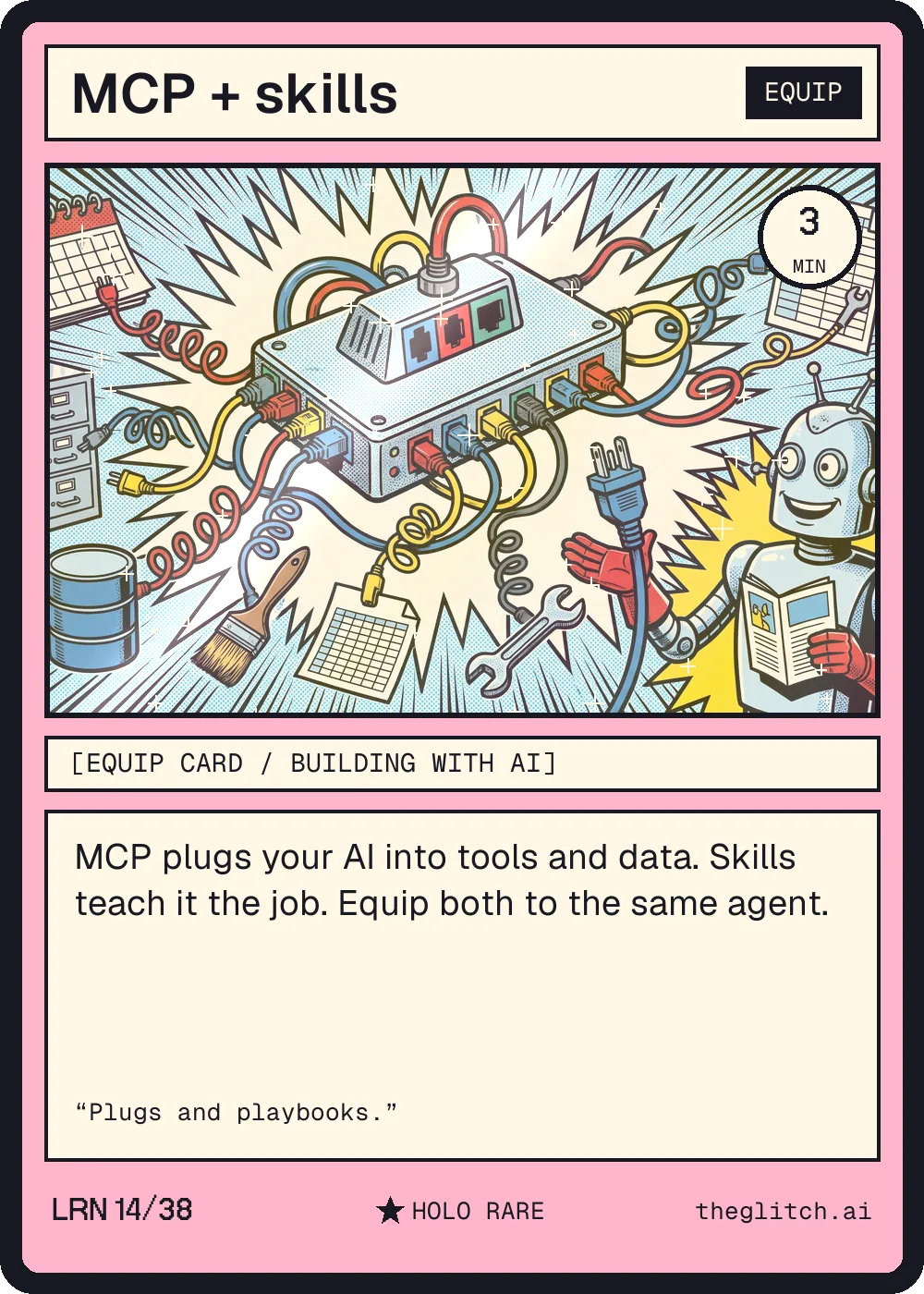
MCP connects AI to your tools and data. Skills teach it how to do a job. What each one is, when to use which and what to check before installing either.
By Rabin Nuchtabek · Updated 2026-10-29 · 3 min read · For Must know, Builders
Part of What is a forward deployed engineer? The ultimate guide to becoming one in 2027
Two ideas keep coming up when people extend AI assistants and agents: MCP servers and skills. They get mixed up constantly, including in plenty of tutorials. They solve different problems.
- MCP gives the AI access. It connects the model to tools and data: your files, a database, GitHub, a browser, your CRM.
- Skills give the AI know-how. They package instructions and resources for a specific job: writing in your brand voice, running your release checklist, filling in a particular spreadsheet.
Access and know-how. Most real setups need both.
What MCP is
The Model Context Protocol is an open standard, introduced by Anthropic in November 2024, for connecting AI applications to outside systems. An MCP server exposes tools (actions the model can take), resources (data it can read) and prompts. Any app that supports MCP can use any MCP server, and support is now broad: Claude, ChatGPT, Cursor, VS Code and many others.
Before MCP, every AI app needed its own integration for every service. With MCP, a service builds one server and it works across assistants.
Typical uses:
- Let a coding agent query your database or read your issue tracker.
- Let an assistant search your company's documents.
- Let an agent drive a browser, a design tool or an analytics platform.
What skills are
Agent skills are folders with a SKILL.md file (a name, a one-line description and instructions) plus any scripts, templates or reference files the job needs. Anthropic introduced them for Claude in October 2025 and later published the format as an open standard, so other agents can use the same skills.
The clever part is how they load. At the start, the agent sees only each skill's short description. When a task matches, it reads the full instructions, and only then any extra files. You can install dozens of skills without filling the context window.
Typical uses:
- Your brand voice and style rules.
- A checklist for code review or releases.
- How to produce a specific document: a deck, a report, a spreadsheet model.
- Company procedures: how to file an expense, how to triage a ticket.
When to use which
- The AI needs to reach a system it can't see: MCP.
- The AI can reach everything but does the job wrong or inconsistently: a skill.
- You keep pasting the same long instructions: a skill.
- You need a live action, like creating a ticket or querying data: MCP, plus a skill that says how and when to use it.
Check before you install
Both run with real power. Treat them like software you install, because they are.
- Who made it? Prefer official servers from the service itself, or code you can read.
- What can it do? Read the list of tools. A "read your calendar" server shouldn't be able to send email.
- What credentials does it get? Give it its own scoped key, never your admin login (least privilege).
- What does it read? A server that pulls in web pages, emails or tickets can carry prompt injection into your agent.
- What's inside the skill? Skills contain instructions and sometimes scripts. Read a third-party skill before installing it, the way you'd read a script before running it.
A sensible starting set
Start with one MCP server for the system you use most (your code host, docs or database) and two or three skills for the jobs you repeat every week. Add more only when a task keeps hitting the same wall. The skills and workflows collection here has examples to adapt, and Claude Code, the operator's way shows both in a real working setup.
Looking for servers to start with? MCP servers worth installing in 2027 is a directory with what each one is for and how to give it the narrowest access.
Fresh from This week in AI
MCP is becoming the USB-C for AI agent
Questions people ask
What is the difference between MCP servers and agent skills?
MCP gives the AI access, while skills give it know-how. An MCP server connects the model to tools and data like your files, a database, GitHub or a CRM. A skill packages instructions and resources for a specific job, such as writing in your brand voice or running a release checklist. Most real setups need both.
How do I decide whether I need MCP or a skill?
Use MCP when the AI needs to reach a system it can't see, and a skill when it can reach everything but does the job wrong or inconsistently. If you keep pasting the same long instructions, write a skill. For live actions like creating a ticket, use MCP plus a skill that says how and when to use it.
Is it worth installing lots of skills at once?
Installing many skills won't fill your context window, but the guide still advises starting small. The agent first sees only each skill's short description and loads full instructions and files only when a task matches. Begin with two or three skills for jobs you repeat weekly and add more only when a task keeps hitting the same wall.
What are the security risks of installing MCP servers or skills?
Both run with real power, so treat them like any software you install. Prefer official servers or code you can read, and check that the tool list matches the purpose. Give each one its own scoped key, never your admin login. Servers that read web pages, emails or tickets can carry prompt injection into your agent, and third-party skills may contain scripts.
How should I prepare for using MCP and skills in 2027?
Start now with one MCP server for the system you use most, such as your code host, docs or database, plus two or three skills for weekly repeated jobs. Build the habit of checking who made each one, what tools and credentials it gets and what it reads. Stop pasting long instructions repeatedly and turn them into skills instead.
Key terms
Model Context Protocol · MCP server · Agent skill · Context window · Least privilege · Prompt injection
Try it here
Skills and workflows · Repos worth building on