Image and video AI: direct, don't describe.
How to get the image or clip you actually want: brief like a director, use references, keep things consistent and know the rights questions before you publish.
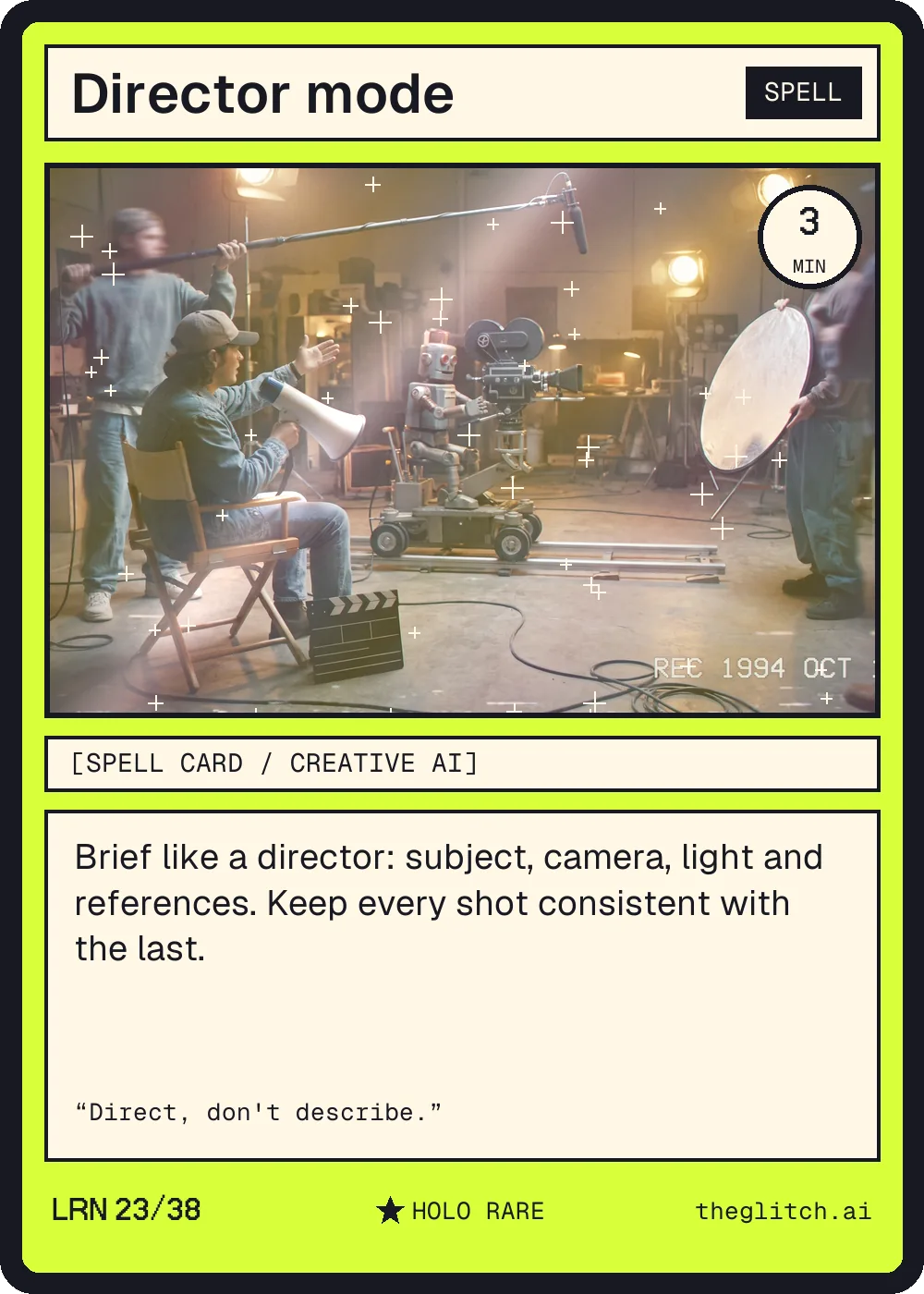
By Rabin Nuchtabek · Updated 2026-10-31 · 3 min read · For Creators, Marketers
Part of What is a forward deployed engineer? The ultimate guide to becoming one in 2027
Image and video models got good enough that the bottleneck moved. It's no longer "can the model make this?" It's "can you tell it what you want?" The people getting great results don't write longer prompts. They direct: subject, shot, light, motion, reference.
Brief like a director
A strong visual prompt answers the questions a photographer or director would ask:
- Subject: who or what, doing what, with what expression or detail.
- Shot: close-up, medium or wide; the camera angle; the lens feel (wide-angle, telephoto, macro).
- Light: time of day, direction and quality, like soft window light, hard noon sun or neon at night.
- Style: photograph, illustration, 3D, a film stock, a print technique. Describe the look rather than naming a living artist.
- Composition: what's in the foreground and background, where the empty space is, the aspect ratio.
Weak: "A coffee shop."
Strong: "Close-up of a barista pouring latte art in a small Tokyo coffee bar, early morning side light through the window, shallow depth of field, warm film photograph look, 4:5."
That's text-to-image done properly: a brief, not a wish.
Use references, not adjectives
A reference image says more than a paragraph. Most tools now take images as input: for style, for a character's look, for composition or as the first frame of a video (image-to-image, image-to-video). Put together a small reference board before you generate anything.
Keep characters and products consistent
Consistency across a set of images or shots is the hardest part. What helps:
- Reuse the same reference images for every generation (character consistency).
- Keep a fixed description block for each character or product, and paste it every time.
- Record the model version, inputs, settings and seed where supported. They help comparison; not every provider supports a seed or guarantees an identical rerun.
- Where the model supports it, a small custom-trained style or character (LoRA) is one option to test against reference-only generation.
Video: think in shots
Choose the unit that fits the model and the edit: a single shot, a complete scene or a coverage reel. For a first attempt, a short shot is easier to inspect. Models with multi-shot support can handle a scene in one prompt; separate shots remain useful when you need precise continuity or independent edits.
- Give each shot a clear action. For a multi-shot scene, specify the order, timing and continuity rather than dumping unrelated events into the prompt.
- Describe the camera move: slow push-in, handheld follow, locked-off tripod.
- Use image-to-video when an opening frame or character reference matters. Check what the selected model actually preserves.
- Generate several takes and choose, like a real shoot. Expect to throw most of them away.
- Cut the best clips together in a normal editor, with a human handling sound and timing.
Iterate on purpose
Change one thing at a time between generations: the light, or the angle, or the style. Change everything at once and you learn nothing. Note what each change did. Fix details and upscale only once the composition is right.
Rights and labels
Before you publish:
- Read the tool's terms. Commercial use rights differ between tools and plans.
- Know the copyright position. In the US, the Copyright Office's view is that material generated purely by AI, without enough human authorship, isn't protected by copyright. Your own creative choices and edits are what can be protected.
- Don't imitate real people or brands without permission. Likeness and trademark rules still apply.
- Label AI content where your platform or audience expects it, and keep provenance data such as content credentials intact when you can.
The prompt archive includes creator examples with media and text-only recipes. Check each entry's model, required inputs and testing status; a source example is not an independently reproduced result.
Choosing a tool? AI image generators worth using in 2027 and AI video generators worth using in 2027 compare the current models, what each is good at and the rules for publishing.
Fresh from This week in AI
Questions people ask
What is a director-style prompt for AI image generation?
A director-style prompt is a brief that answers what a photographer or director would ask: subject, shot, light, style and composition. Instead of "a coffee shop," you specify the action, camera distance, lens feel, time and direction of light, the look you want and the aspect ratio. Longer prompts are not the goal; clear direction is.
How do I keep a character consistent across AI images?
Reuse the same reference images for every generation and paste a fixed description block for each character or product every time. Record the model version, inputs, settings and seed where supported, though not every provider guarantees an identical rerun. Where the model supports it, you can test a small custom-trained LoRA against reference-only generation.
Are reference images better than detailed text prompts for AI images?
Yes, a reference image usually says more than a paragraph of adjectives. Most tools now accept images as input for style, a character's look, composition or the first frame of a video. Put together a small reference board before you generate anything, then use text to direct subject, shot and light.
What mistake should I avoid when iterating on AI images?
Avoid changing several things at once between generations, because then you learn nothing about what caused the result. Change one thing at a time, such as the light, the angle or the style, and note what each change did. Fix details and upscale only once the composition is right.
How should I prepare for AI image and video work in 2027?
Build the habit of directing rather than describing: brief by subject, shot, light, style and composition, and keep reference boards. Start logging model versions, inputs, settings and seeds. For video, think in shots and generate several takes. Read each tool's commercial terms, avoid imitating real people or brands, label AI content where your platform or audience expects it, and keep content credentials intact when you can.
Key terms
Text to image · Image to image · Image to video · Character consistency · Seed · LoRA · Upscaling · Content Credentials