Debugging with AI without going in circles.
AI can find a bug fast or chase its tail for hours. How to give it the evidence, make it reproduce the bug before fixing it and know when to step in.
By Rabin Nuchtabek · Updated 2026-10-29 · 3 min read · For Builders
Part of What is a forward deployed engineer? The ultimate guide to becoming one in 2027
AI is a great debugging partner when you give it evidence, and a terrible one when you give it vibes. "It's broken, fix it" produces a confident change, a new error, another confident change and an afternoon gone. The difference is process, and it works the same with any coding agent.
Give it the evidence
Start every bug with facts, not a description of your frustration:
- The exact error message and stack trace, copied in full.
- What you did, what you expected and what happened instead.
- When it started, and what changed around then.
- Whether it happens every time or only sometimes.
Paste the real thing. A screenshot of an error is worse than the text, and a summary of an error is worse than both.
Reproduce before fixing
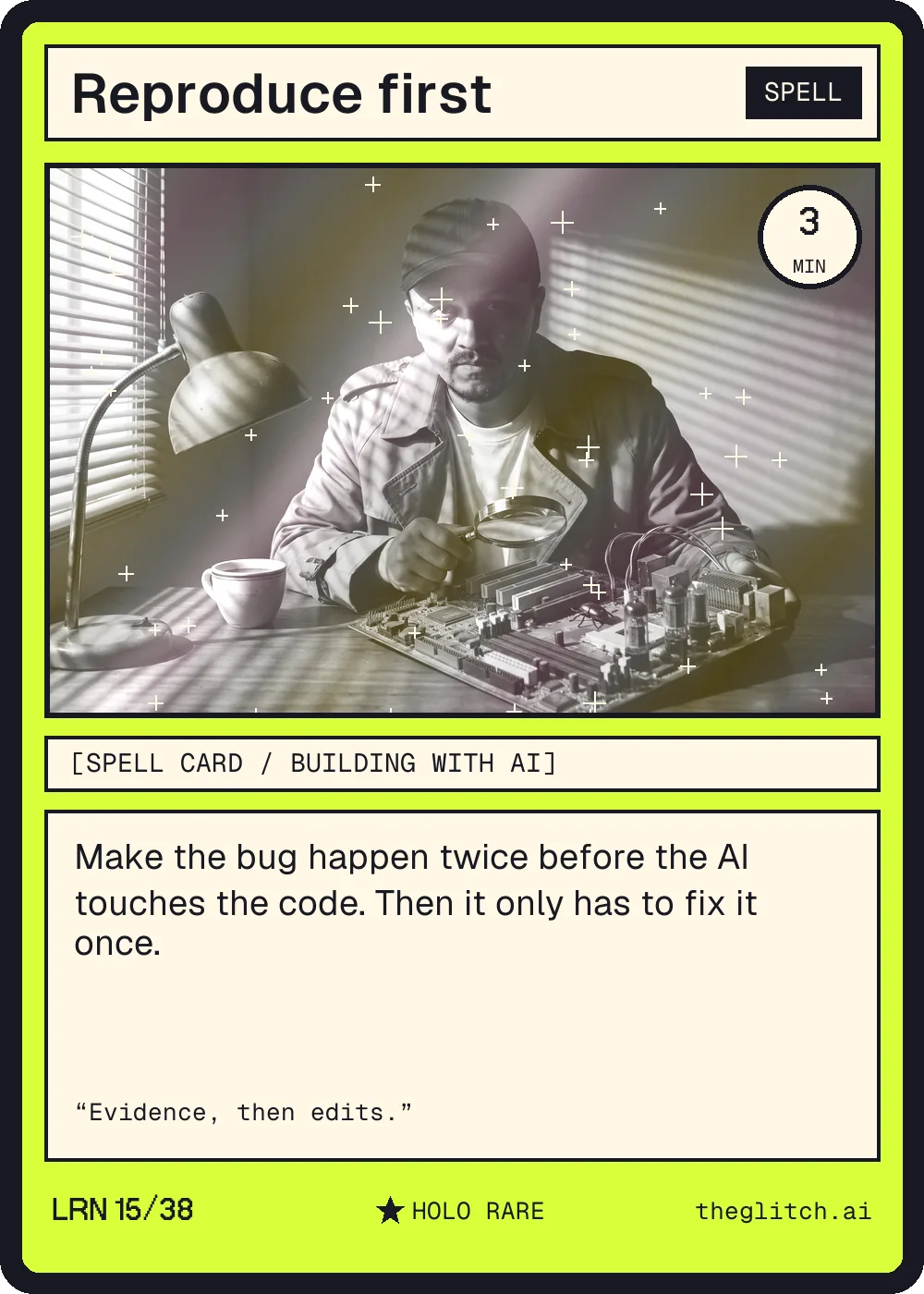
Ask the agent to reproduce the bug first: run the failing command, write a test that fails because of the bug, or show the exact input that breaks things. A bug it can reproduce, it can usually fix. A bug it can't reproduce, it will "fix" by guessing.
A failing test is the best reproduction. It proves the bug exists, proves the fix works and stops the bug from coming back.
Ask for the cause first
Ask for the diagnosis before the cure: "Explain what's causing this and how you know. Don't change any code yet." Read the explanation. If it's vague, like "there may be an issue with state management", it doesn't know yet. Have it add logging or inspect the actual values until the cause is a specific line and a specific reason.
One change at a time
The circle starts when the agent changes four things at once, the error changes and nobody knows which change did what. Insist on one hypothesis and one change per attempt, then run the reproduction again.
Spot the circle early
The signs:
- The same error keeps coming back in slightly different forms.
- The fixes are getting bigger instead of smaller.
- It starts rewriting working code "to be safe".
- It says "this should fix it" for the third time.
When you see them, stop. Go back to the last working version, start a fresh session and hand over a short summary of what you've ruled out. Old failed attempts sitting in the context window keep pulling the model back to the same wrong ideas (context rot).
What to ask, by bug type
- "It works on my machine." Ask it to list every difference between the environments: versions, environment variables, data, permissions.
- It worked yesterday. Find what changed. If you use git, have it compare against the last working version.
- Intermittent bugs. Add logging around the suspect area and run it until it fails. Timing, caching and race conditions hide here.
- Wrong output, no error. Have it trace one real input through every step and show the value at each one.
When to take over
AI is weakest where the bug lives outside the code it can see: a misconfigured third-party service, a business rule nobody wrote down, a browser quirk on one device. If an hour of disciplined debugging hasn't narrowed it down, the agent is probably missing context only you can get. That's your cue, not a reason to try a bigger model.
More working habits are in Claude Code, the operator's way.
Questions people ask
What is the best way to debug code with AI?
The best way is to give the AI evidence instead of vibes. Paste the exact error message and full stack trace, what you did, what you expected, what happened instead, when it started, what changed and whether it happens every time. Real text beats a screenshot, and a screenshot beats a summary.
How do I stop an AI coding agent from guessing fixes?
Make it reproduce the bug and explain the cause before it changes any code. Ask it to run the failing command, write a failing test or show the input that breaks things. Then ask what is causing the bug and how it knows. A vague answer means it doesn't know yet, so have it add logging until it names a specific line and reason.
Is it worth switching to a bigger model when AI can't fix a bug?
Usually not. If an hour of disciplined debugging hasn't narrowed the bug down, the agent is probably missing context only you can get. AI is weakest when the bug lives outside the code it can see, such as a misconfigured third-party service, an unwritten business rule or a browser quirk on one device. That is your cue to take over.
How do I know my AI debugging session is going in circles?
Watch for the same error returning in slightly different forms, fixes getting bigger instead of smaller, rewrites of working code "to be safe" and a third "this should fix it". When you see these, go back to the last working version, start a fresh session and share a short summary of what you've ruled out, because old failed attempts in context keep pulling the model back.
How should I prepare for debugging with AI agents in 2027?
Build the process habits now, since they work with any coding agent. Start each bug with full evidence, have the agent reproduce it first, ideally with a failing test, and ask for the cause before the fix. Insist on one hypothesis and one change per attempt. Stop accepting "it's broken, fix it" prompts and stop letting agents change several things at once.
Key terms
Coding agent · Context window · Context rot